
Troubleshooting Email Connection and Delivery Issues
Learn how to diagnose and fix a disconnected email inbox in tawk.to, whether it's a failed sign-in, a server problem, or a credential that's gone stale. This video covers what the two disconnection banners mean, how to reconnect and what to check at each step, and why "incorrect email or password" usually means you need an app password rather than your normal one. You'll also see how the connection test identifies which side failed, incoming or outgoing, and what to do if mail stops arriving while the inbox still shows as connected.
· Share this video
· More in this topic
Managing Conversations: Inbox, Chats & Contacts
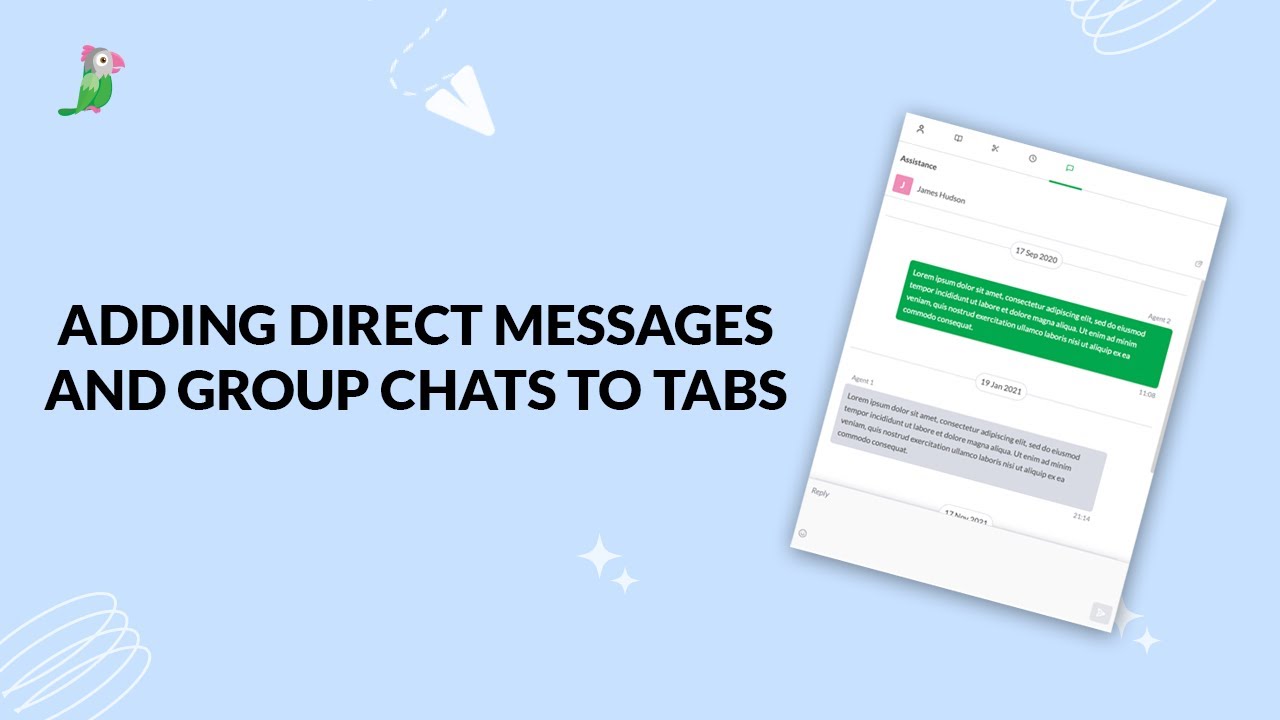
- Adding direct messages and group chats to tabs
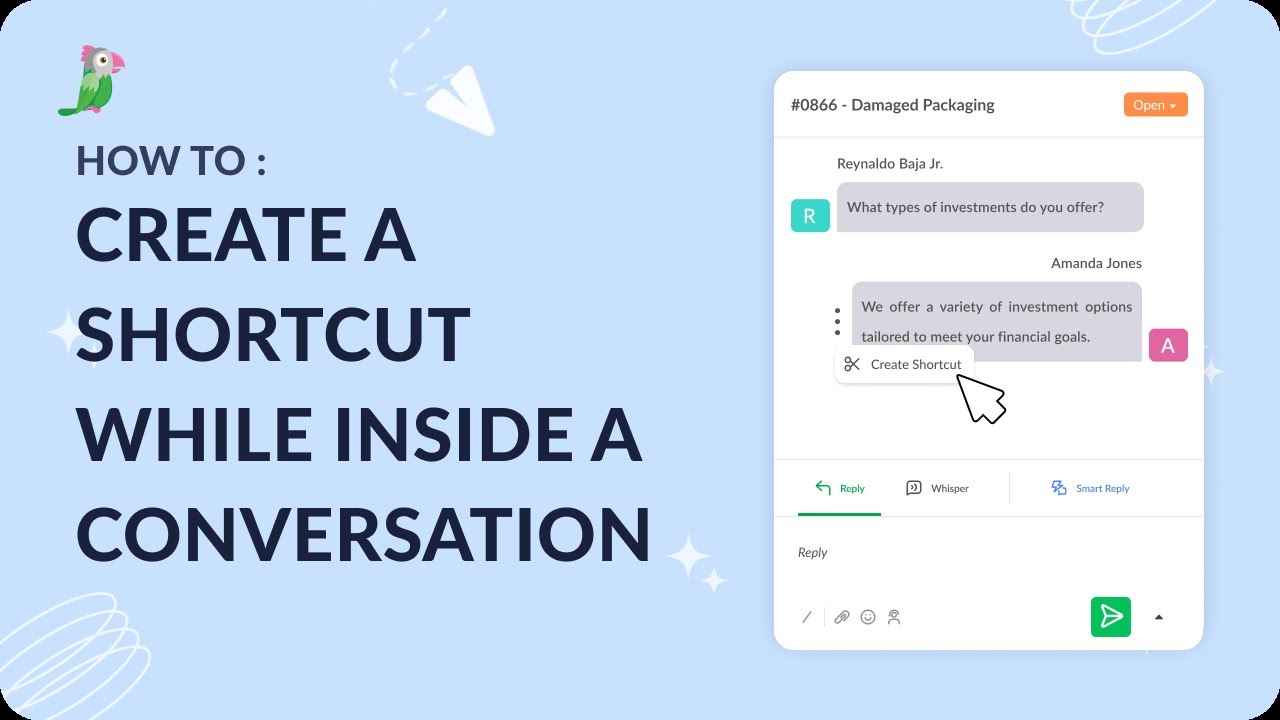
- Creating a shortcut while inside a conversation
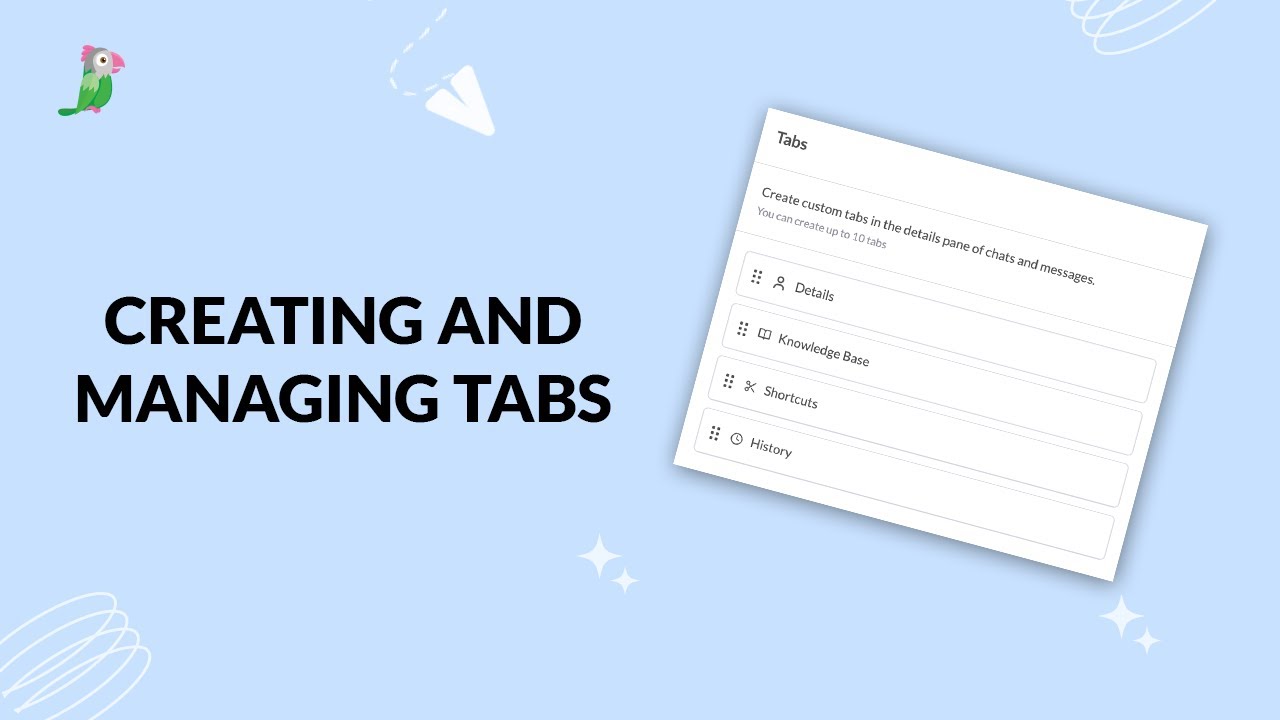
- Creating and managing tabs
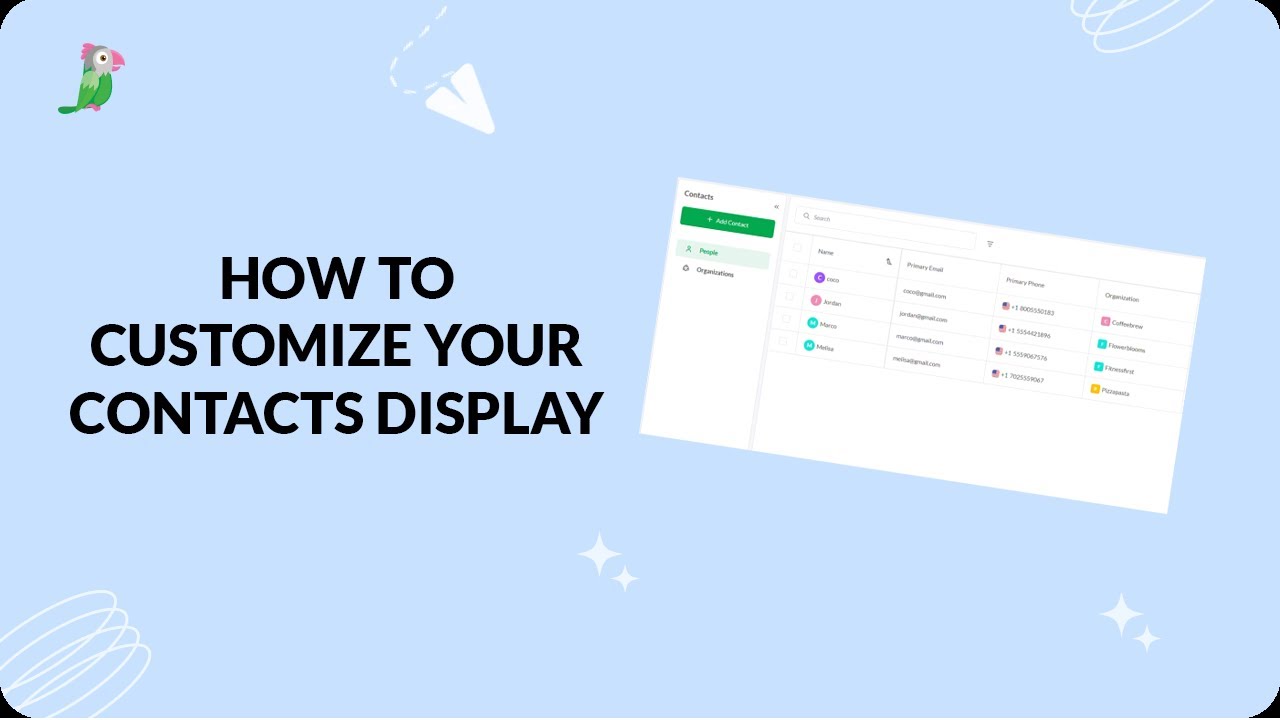
- Customize your tawk.to Contacts view
- Direct messages and group chats
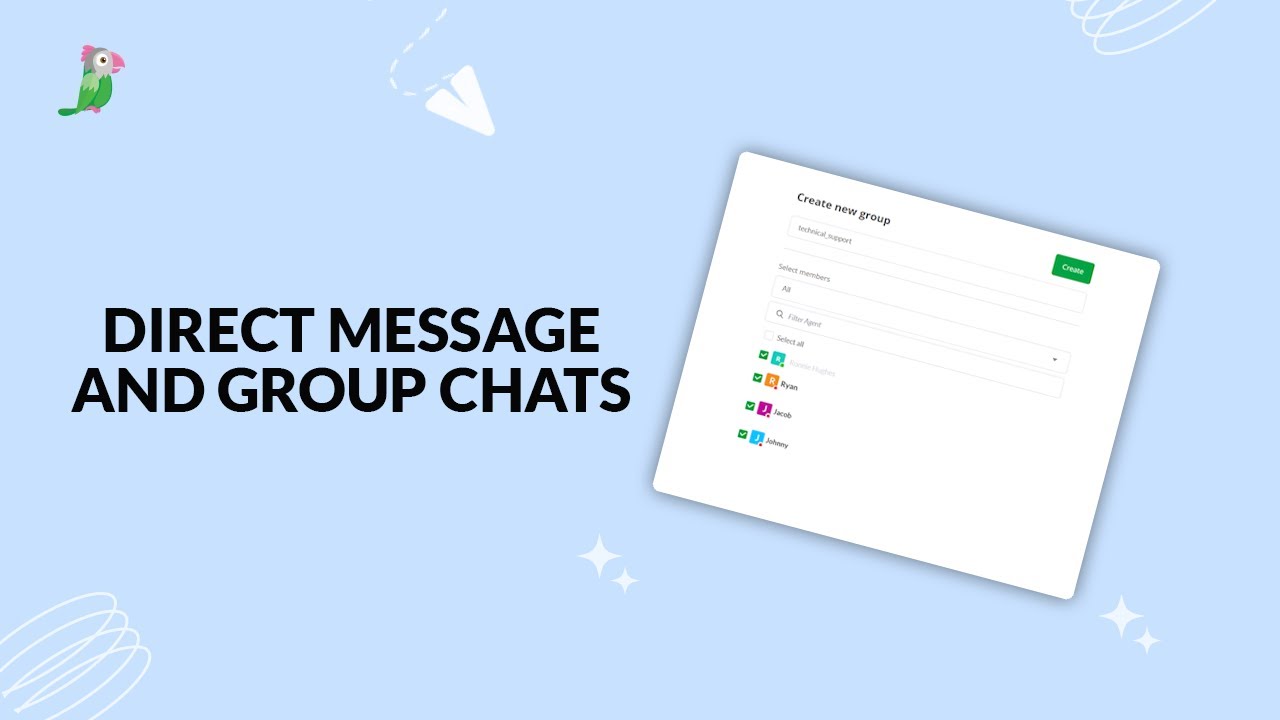
- Getting started with the tawk to Inbox
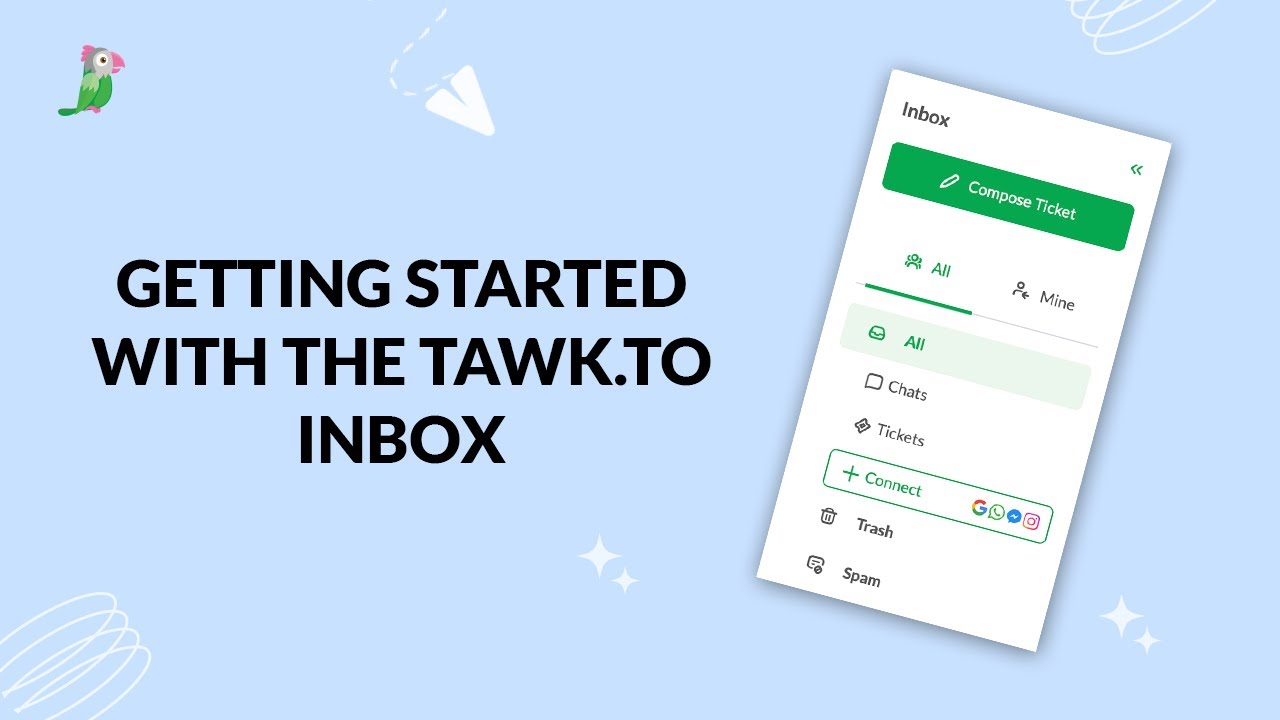
- How image attachment works in tawk.to
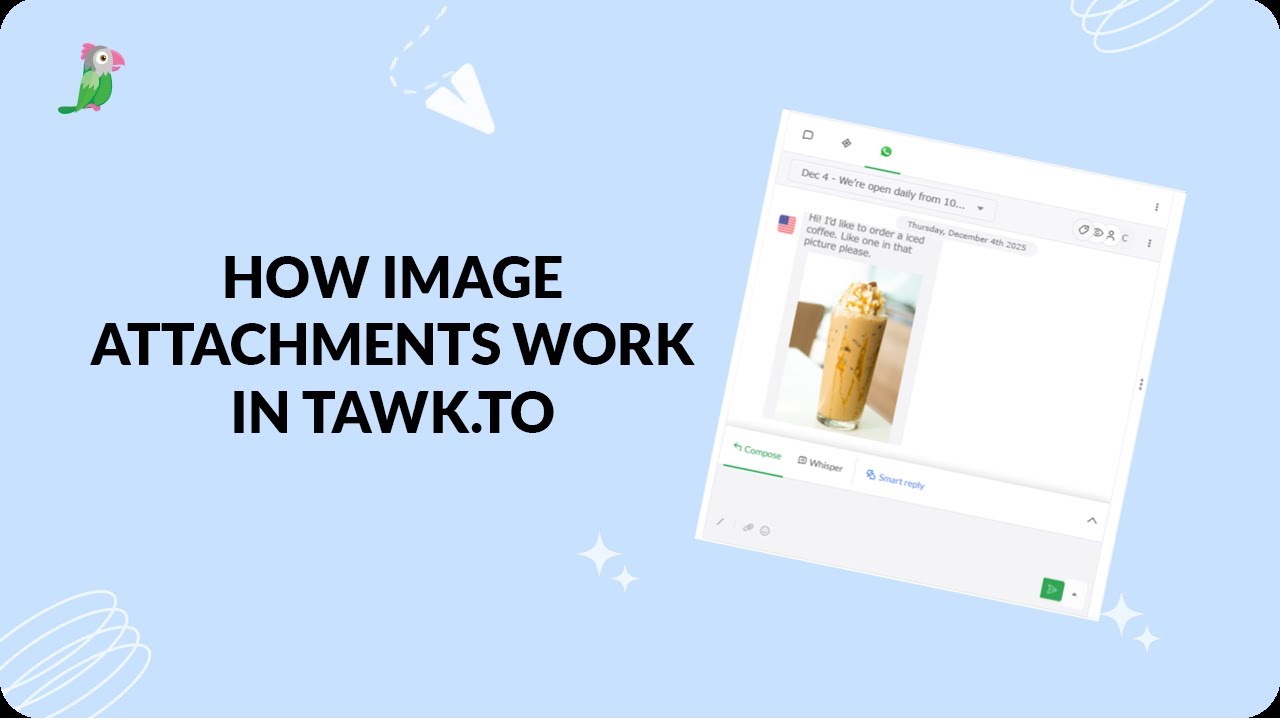
- Create and manage contact segments
Open the tawk.to Academy
Every topic and 220+ videos in one place.