
Deactivate the help center search bar in your widget
Don’t have a Help Center yet, or prefer to keep it hidden? In this video, you’ll learn how to deactivate the Help Center search bar in your tawk.to widget. We’ll show you two easy methods: • Switch off the Help Center toggle in Widget Content • Or edit and remove the card completely for more control You’ll also learn how to update your widget greeting so visitors aren’t prompted to use a Help Center that isn’t active. With just a few clicks, you can tailor your chat widget to fit your business setup and create a smoother experience for visitors.
· Share this video
· More in this topic
Knowledge Base & Help Center Creation
- Submit ticket in the knowledge base
- Customizing your knowledge base for languages
- Remove the knowledge base search bar from the widget

- Private knowledge base articles and categories

- Setting up your tawk to knowledge base
- Primary category in knowledge base
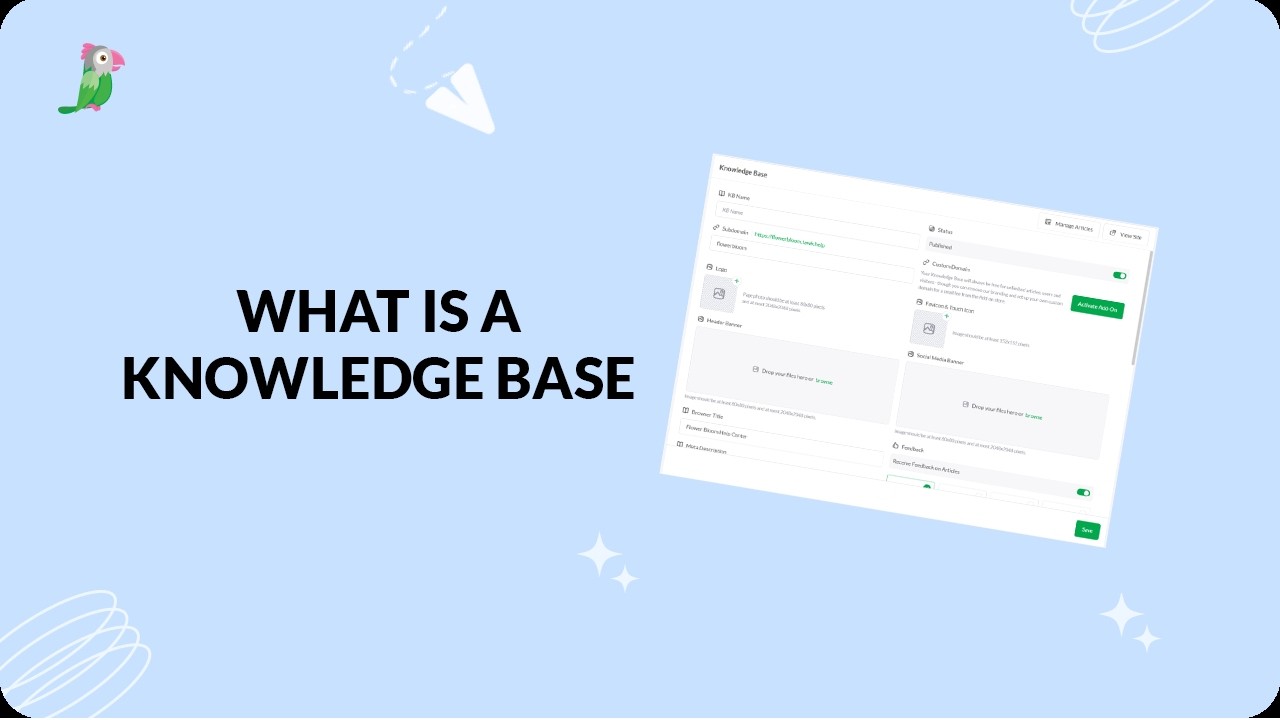
- What is a knowledge base
Open the tawk.to Academy
Every topic and 220+ videos in one place.