
Change the widget or property based on page language
Want to show the right chat widget for each visitor’s language? In this video, learn how to set up multiple tawk.to widgets and use a simple JavaScript snippet to display the correct widget automatically. Perfect for multilingual websites, this setup ensures each visitor gets the right support in their preferred language.
· Share this video
· More in this topic
Chat Widget: Appearance, Language & Customisation
- Changing the greetings on your widget
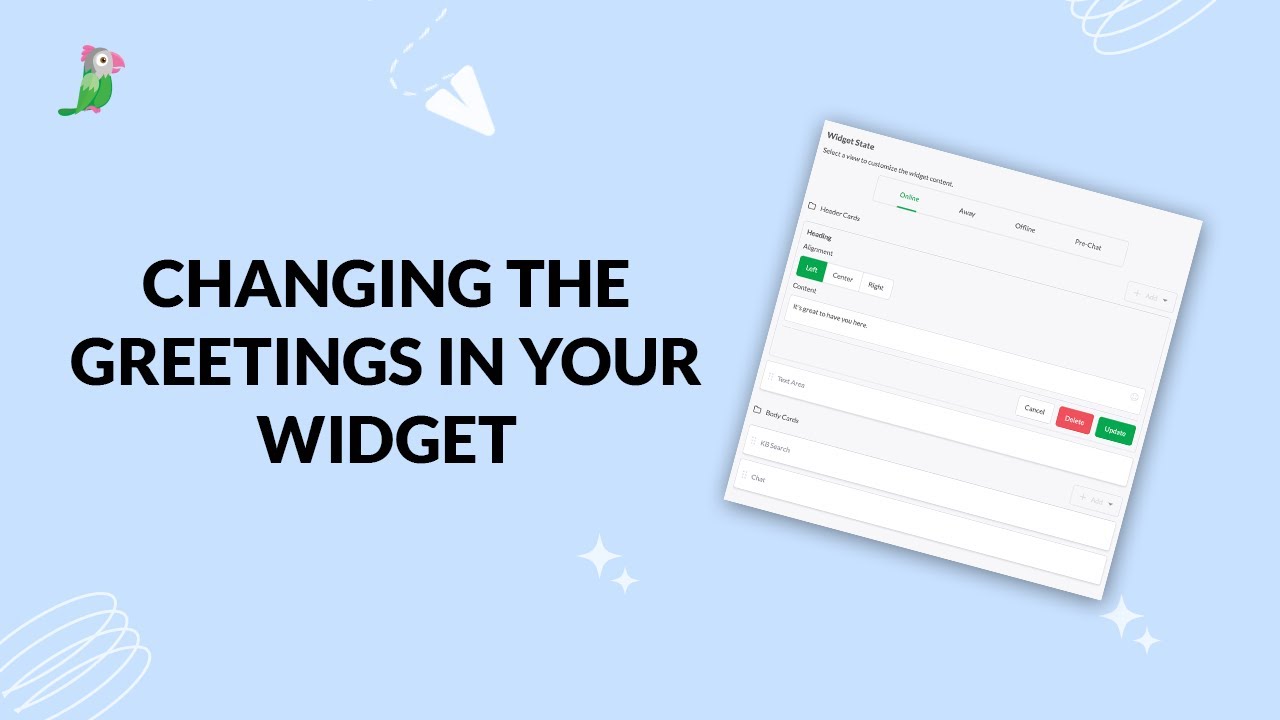
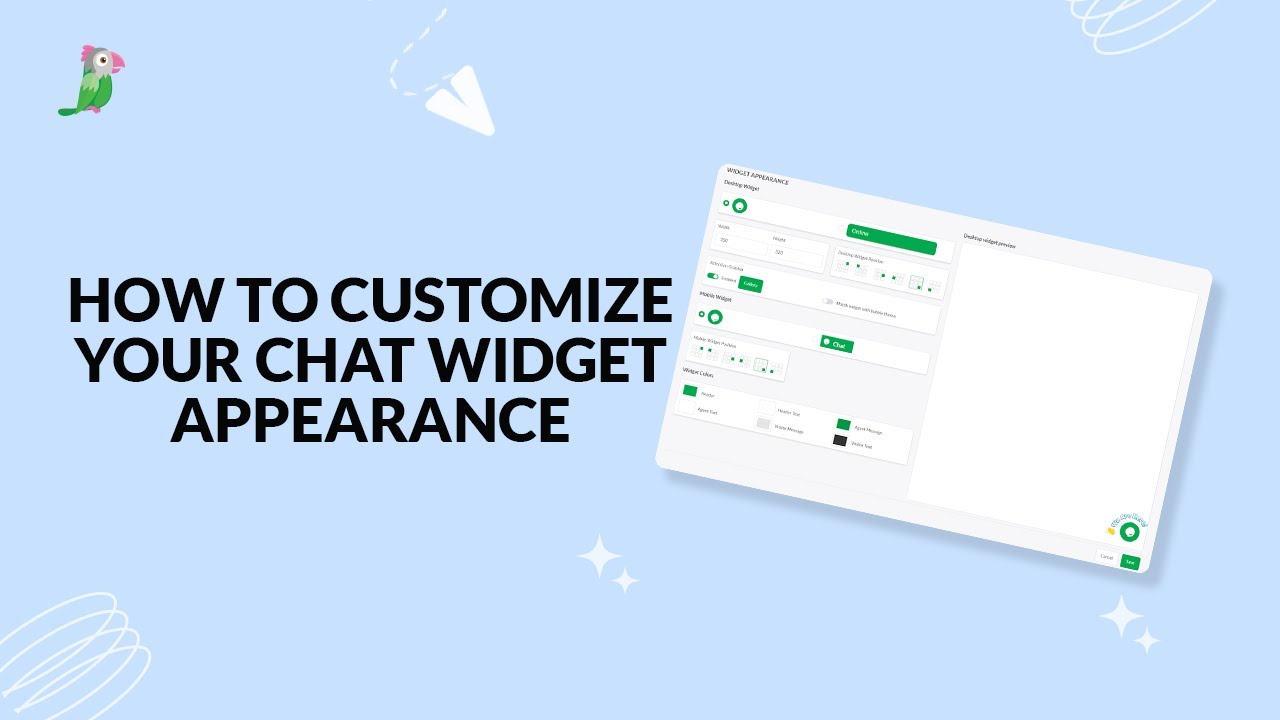
- Customize your chat widget appearance
- Customizing the Attention Grabber
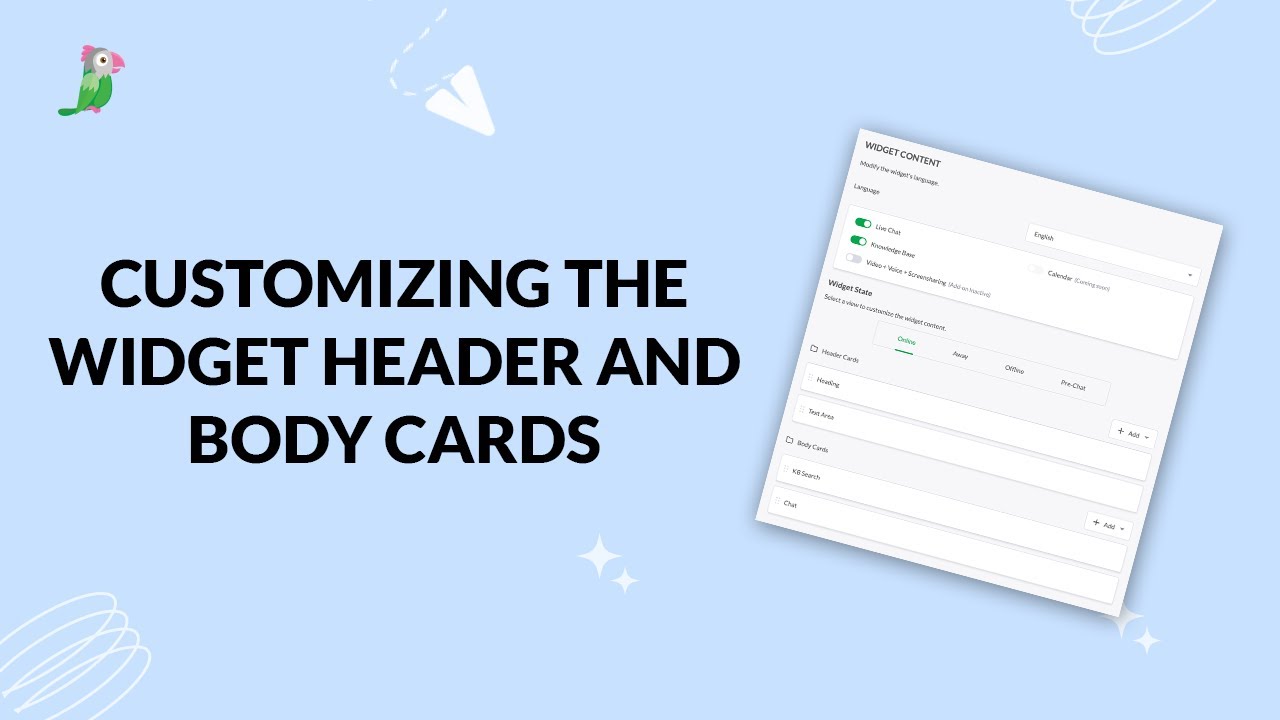
- Customizing the widget header and body cards
- How settings and interactions change the widget's appearance
- How to change your widget language
- How to customize your tawk to chat widget
- How to setup a tawk.to chat page
Open the tawk.to Academy
Every topic and 220+ videos in one place.